Shark Diving Booking Software: Cages, Waivers and Weather Holds
How to sell seats by cage rotation, plan for waivers and run weather holds without calling every guest.
 The GoFish.Rocks Team•September 18, 2026•5 min read
The cage is rigged, the bait is in the water, and the sharks are right on time. Then a guest walks up the ramp and asks, “Wait, was there a form I was supposed to sign?” Every shark dive crew knows that moment. Good software makes it rare.
This guide is for cage and shark dive operators shopping for shark diving booking software. We cover how to sell seats by cage rotation, how to handle waivers, and how to run a weather hold without a phone marathon. For the full list of dive tools, see our booking software for scuba diving page.
Why shark diving booking software needs different rules
A shark trip is not a harbor cruise. You have two limits, not one: how many people fit on the boat, and how many fit in the cage at a time. Those numbers are rarely the same.
Then there is the ocean. Wind, swell and visibility all get a vote. When the ocean says no, every guest needs to hear it fast, and every guest needs a new date. (The sharks, for the record, never cancel.)
So ask yourself: does your current system know the difference between a seat and a cage slot? If not, your crew is doing that math by hand.
Cage slots: set capacity by rotation
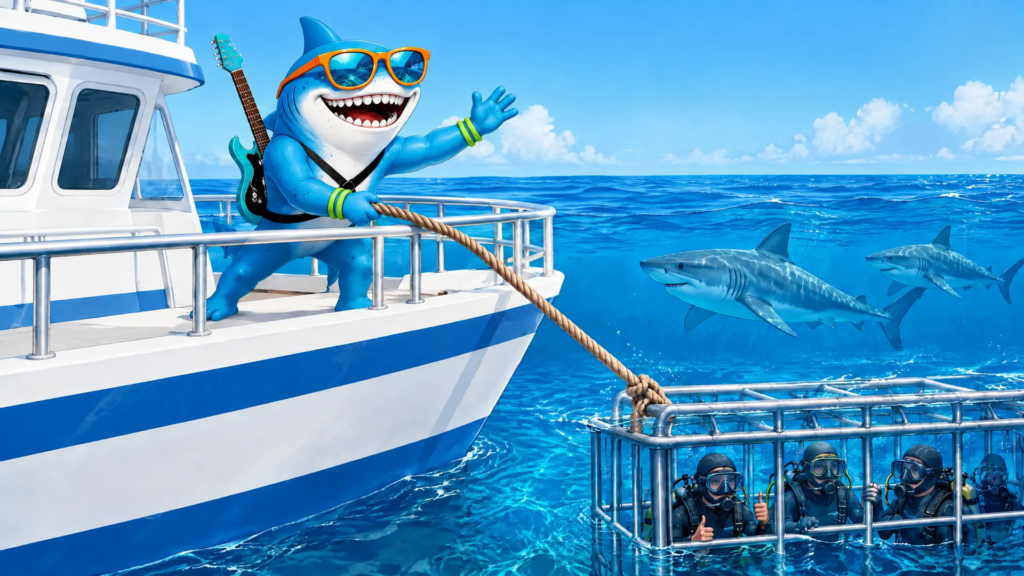
Most cage operators rotate guests. One group goes in, comes out and warms up, and the next group goes in. Here is simple example math for one trip:
- Boat: room for 12 guests.
- Cage: 4 guests at a time.
- Time on site: enough for 2 rotations.
That is 2 x 4 = 8 cage spots. If you sell 12 seats, four people ride out to watch other people have fun. Set the trip’s seat limit to the smaller number.
GoFish.Rocks lets you set capacity limits, recurring trips and seasonal availability for each departure. You can run overlapping departures, and the system closes conflicting slots on its own. When a trip sells out, guests join a waitlist with one click. If someone cancels, the whole waitlist gets a text, and the first to pay gets the seat.
Running a boat with a real cage limit? Put your rotation math into the trip seat limit, not on a sticky note by the phone. Sticky notes do not survive salt spray.
Shark diving ticketing software and waivers
Waivers are where a lot of dock stress comes from. You want every guest’s form done before they reach the boat, not on a clipboard in the wind.
Here’s the thing: waiver tools vary a lot between platforms. Before you sign with any shark diving ticketing software, ask the provider these questions:
- Can guests sign before the trip, from the link in their confirmation?
- Does each guest in a group sign their own form, or only the buyer?
- Can my crew see who has not signed yet, right from the manifest?
- How are signed forms stored, and can I pull one up later?
Whatever tool you use for waivers, the manifest still matters. GoFish.Rocks builds a USCG-compliant manifest for every departure, with a real-time headcount. And our automated SMS and email reminders are a good place to tell guests what to bring and what to finish before they arrive.
Weather holds without the phone marathon
We’ve worked with charter and dive boat operators for years, and the weather call always comes too early. According to the National Weather Service’s marine weather page (checked September 2026), it offers coastal, offshore and high seas forecasts, plus hourly forecasts for a single point. That is where many crews start the morning.
With GoFish.Rocks, canceled and refunded bookings cost $0, weather included. On good days, the “Trip is a Go” button tells everyone at once. See more in our guide on how to handle weather trip cancellations, and our customer communication tools.
Keep more of each shark dive ticket
Shark dive tickets are often priced high. A percentage fee takes a bigger bite of a big ticket. GoFish.Rocks charges a flat $1.50 per passenger, per trip, with no setup fee, no monthly subscription and no contract. Here is one example for a trip with 8 guests at $250 each:
Example math only. The 6% and 3% rates are generic examples, not quotes from any company.
Payments go straight to your own merchant account, and most operators see deposits within 24 hours. Our post on direct merchant payments for tours explains why that matters.
Do’s and don’ts for shark dive booking
Do
- Set seats to your cage math, not your boat size. Capacity
- Send pre-trip reminders with what to bring. Prep
- Use one message for weather holds. Weather
- Let a waitlist fill canceled seats. Sales
Don’t
- Leave waivers for the dock. Forms
- Call guests one by one at 5 am. Time
- Pay fees on trips that never left. Refunds
- Guess who is on board. Manifest
Bottom line
The right shark diving booking software sells the right number of seats, keeps guests informed and does not charge you for bad weather. GoFish.Rocks offers free setup, free training and free migration, and you can switch in as little as one week. Call a real person at (805) 871-0044.
Frequently asked questions
What should shark diving booking software do?
It should cap seats by your cage rotation plan, build a manifest for each trip, and message every guest at once when weather changes the plan.
How do I set capacity for a shark cage trip?
Multiply cage size by the number of rotations you can run, then compare that with your boat size. Sell the smaller number.
Do I pay booking fees when weather cancels a shark dive?
Not on GoFish.Rocks. Canceled and refunded bookings cost $0, and billing only counts guests on trips that actually sailed.
Fill every cage slot
Set capacity limits, run waitlists and message every guest at once. Flat $1.50 per passenger, and weather cancellations cost $0. See How It Works →