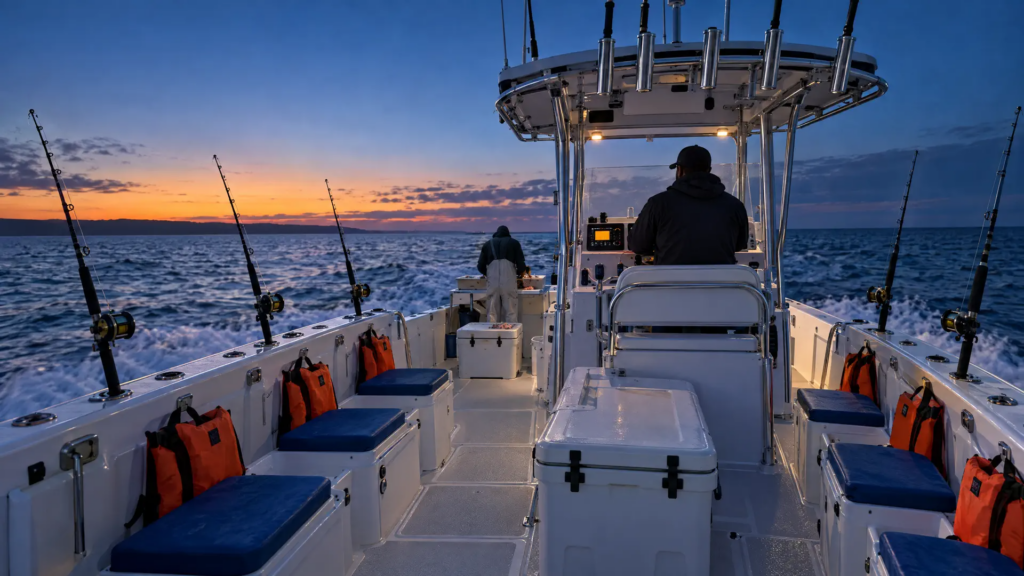
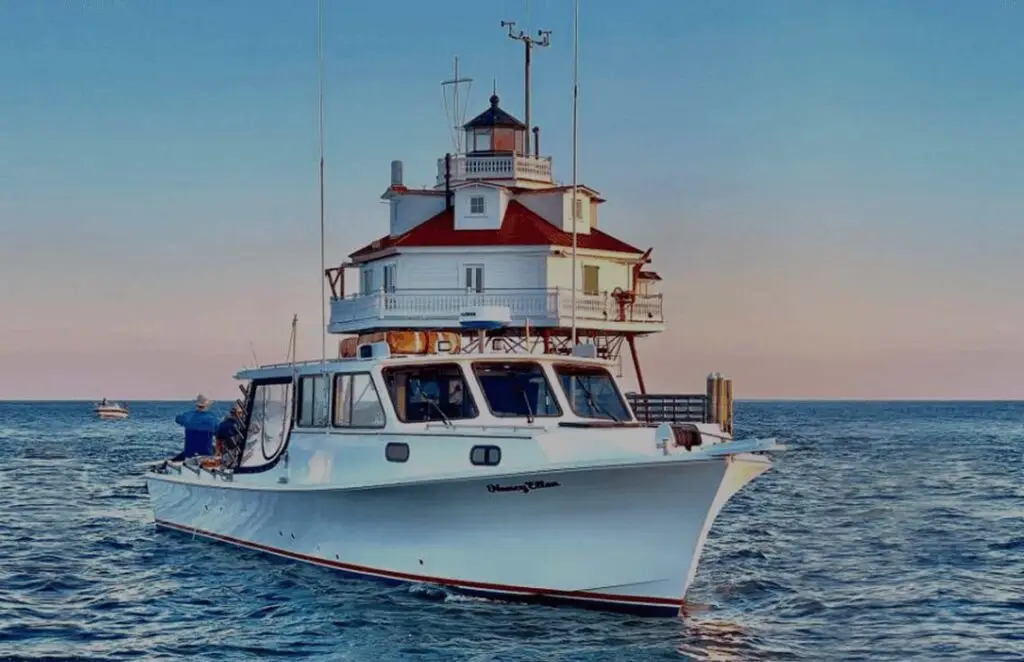
How to Choose the Best Boat Tour Management Software
A four-step plan: requirements worksheet, short list, demo questions and a calm move to your new system.
 The GoFish.Rocks Team•October 12, 2026•5 min read
Buying booking software is a lot like buying a used boat. Everyone shows you the shiny parts. Nobody opens the bilge. This guide is your flashlight.
If you’re wondering how to choose the best boat tour management software, the honest answer isn’t a brand name. It’s a process. Four steps: write down what you need, build a short list, run sharp demos, and plan the move. When you want to see a boat-first option along the way, here is how GoFish.Rocks booking software works for charter and tour operators.
How to choose the best boat tour management software in four steps
Start with how your boat really runs, not with a feature list. Then make each vendor prove it fits. The best tool is the one that fits your dock, not the one with the longest brochure.
Step 1: Fill out a requirements worksheet
Grab a notepad (or the back of a tide chart). Answer these before you talk to a single sales rep.
Your requirements worksheet
Circle the answers that are deal breakers.
- Trip types: private charters, open-party seats, walk-ups, or all three?
- Schedule: recurring trips, overlapping departures, seasons, blackout dates?
- Volume: how many passengers in your slowest and busiest months?
- Safety: do you need a USCG-compliant manifest with a live headcount?
- Weather: how often do you cancel, and how do you tell guests today?
- Payments: which merchant account do you use, and how fast do you need deposits?
- Budget: what’s the most you’ll pay per passenger, all in?
Now turn volume into money. Generic example: 250 passengers in a busy month at a $120 ticket is $30,000 in sales. A 6% booking fee on that is $1,800. A flat $1.50 per passenger is $375. Do the same math for your slow month. If a tool’s cost barely drops when bookings drop, circle that on your worksheet.
Step 2: Build a short list
Pick three or four tools. No more. Use your worksheet to cut the rest. Our comparisons page puts GoFish.Rocks next to the big names, so you can spot gaps fast.
For each tool, check the company’s own website and write down the date. If a fee isn’t published, write “not published” and ask for it in writing. Whether you’re looking at FareHarbor, Peek Pro, or us, the same rule applies: no number, no decision.
How do you choose the best booking management platform for tours and attractions?
Use the same worksheet. A tour or attraction has the same core needs as a boat: a clean calendar, simple checkout, fast payments and good guest messages. Boats just add weather, manifests and walk-ups at the dock. So test for those extra needs, too.
A demo shows what the software can do. Your questions show what it will do on your worst day.
Step 3: Run sharp demos
Bring your own trips, times and prices. Ask the rep to build one of your real departures live. Then ask these:
- What is my total fee on my real ticket price, in dollars?
- What do I pay on a refund after a weather cancellation?
- Where does the money land first, and how fast does it reach my bank?
- What does my guest see at checkout? Is the full price clear up front?
- How do I message every guest on a trip at once?
- Who picks up the phone on a Saturday in July?
That checkout question matters. According to the FTC’s fee rule FAQ, businesses covered by its rule must tell people the total price upfront for live-event tickets or short-term lodging. Boat trips aren’t one of those two named groups, but clear total pricing is still a smart habit. Guests hate surprises at checkout (unless it’s a surprise dolphin).
Green lights and red flags
We’ve sat through plenty of software talk with boat operators over the years. A few signs come up again and again.
Green lights
- Fees shown in dollars on your real price Clear
- A live build of one of your trips Proof
- A named person for setup help Support
Red flags
- “We’ll send pricing after you sign up” Fees
- A long contract before any test Terms
- No clear answer on refunds Weather
Want to see how each feature on your worksheet looks in a real system? Browse the GoFish.Rocks features page before your demo, so you know what to ask others to show you.
Step 4: Plan the move
Switching sounds scary. It doesn’t have to be. Most of the work is careful copying and a little testing. Here’s a simple order of work.
Our guide on how to switch booking platforms covers each step in detail. With GoFish.Rocks, setup, training and migration are free, and you can switch in as little as one week. See support and migration for how it works.
Where GoFish.Rocks lands on the worksheet
- Fees: a flat $1.50 per passenger, per trip. No setup fee, no monthly subscription, no contract. $0 on canceled and refunded bookings.
- Scheduling: recurring trips, open-party and private charters, walk-ups, seasons, blackout dates and waitlists.
- Payments: straight to your own merchant account, with most deposits within 24 hours.
- Messages: automated text and email, a “Trip is a Go” button, and no per-message fees.
- Support: US-based, same-day help, with live phone support.
Bottom line: worksheet first, short list second, hard questions third, moving plan last. Do it in that order and the right tool usually picks itself.
Frequently asked questions
What is the first step in how to choose the best boat tour management software?
Write down your needs first: trip types, schedule, volume, safety, weather, payments and budget. Then only look at tools that fit that list.
How many tools should I demo?
Three or four is plenty. More than that and the demos start to blur together.
How long does it take to switch to GoFish.Rocks?
You can switch in as little as one week, with free setup, free training and free migration from your current platform.
Put us on your short list
GoFish.Rocks is $1.50 per passenger with no monthly fee, and setup, training and migration are free. See How It Works →