Peek Pro Reviews: What to Check Before You Trust Them
How to read and verify software reviews, what Peek Pro publishes about itself, and the questions to ask any vendor.
 The GoFish.Rocks Team•October 19, 2026•5 min read
You are up late, laptop open, reading software reviews. One says it changed their life. The next says it ruined their summer. Both have five paragraphs and a lot of exclamation points. So who do you believe?
If you are searching for Peek Pro reviews, you are doing the right homework. But reviews are only useful if you know how to read them. This guide won’t tell you what other people think of Peek Pro. It will show you how to check any review, what Peek Pro says about itself, and what to ask before you sign. When you are ready to compare, our Peek Pro alternative page lays out how GoFish.Rocks works.
What Peek Pro says about itself
Start with the source. According to Peek Pro’s website (as of September 2026), an FAQ on its homepage says Peek Pro uses custom, quote-based pricing tailored to your business rather than a fixed monthly plan, and asks you to request a demo for a quote. The same page lists features such as AI dynamic pricing, automated waitlists, abandoned booking recovery, POS and waivers.
That’s what the company publishes. It’s a good starting list for your questions. Since pricing is quote-based, the only price that matters is the one you get in writing.
How to read Peek Pro reviews (or any software review)
Here’s the thing about reviews. They are one person’s day, not your season. A whale watch in Maine and a fishing charter in Texas can have very different needs (and very different opinions about what counts as cold).
Five checks before you trust a review
Run any Peek Pro review, or any other software review, through these.
- Who wrote it? Look for the type of business and its size. A 3-boat operator and a 40-guide shop need different things.
- When was it written? Software changes. An old review may describe features or prices that no longer exist.
- Is it specific? “Great!” tells you nothing. “Our waitlist filled three seats on Saturday” tells you something.
- Was the reviewer paid or connected? Look for any disclosure of a gift, discount or relationship.
- Does it match what the company publishes? Check claims about features and pricing against the vendor’s own pages.
The rules behind online reviews
It helps to know the ground rules. According to the FTC’s Q&A on its Consumer Reviews and Testimonials Rule, the rule took effect on October 21, 2024. It targets fake or false reviews, buying positive or negative reviews, insider reviews without clear disclosure, and review suppression.
Hold every vendor to that standard, us included. The rule doesn’t mean every review you read is clean. It does mean you should notice when a review seems off.
Trust more
- Reviews that name a business type like yours Fit
- Recent reviews with real details Fresh
- Reviews with a clear disclosure Honest
- Claims you can check on the vendor’s site Proof
Trust less
- Short, vague praise or rage Thin
- Many near-identical reviews in a short time Pattern
- Price claims with no date Stale
- Claims one vendor makes about another Bias
Go past the review sites
The best review is one you can ask follow-up questions. So ask any vendor for references from operators who run trips like yours. Then call them. Ask how the first month went, how weather days work, and what the last invoice looked like.
We’ve worked with boat operators for years, and the best questions always come from people who have run a busy season. Talk to someone who has one behind them.
I’m looking for tour management tools like Peek Pro. What should I consider?
Reviews are a starting point. Your own questions are the finish line. Ask every vendor on your list, Peek Pro included, the same things and get the answers in writing.
- What is my exact fee? Is it a percentage, a flat amount, a monthly plan or a mix?
- What do I pay on weather refunds? Boats cancel. Know the cost before it happens.
- Where does the money land? In my own merchant account, or somewhere first?
- Is there a contract? How do I leave, and what does it cost?
- Who answers the phone? And when?
A review tells you how someone else’s day went. A written quote tells you how your season will go.
How GoFish.Rocks answers those questions
Fair is fair. Here are our answers, so you can hold us to the same standard. Our pricing transparency page has more.
- Fee: a flat $1.50 per passenger, per trip. No percentage, no setup fee, no monthly subscription. Charters have a 6-passenger minimum ($9.00).
- Weather refunds: $0 on canceled or refunded bookings. We bill at month end, only for trips that sailed.
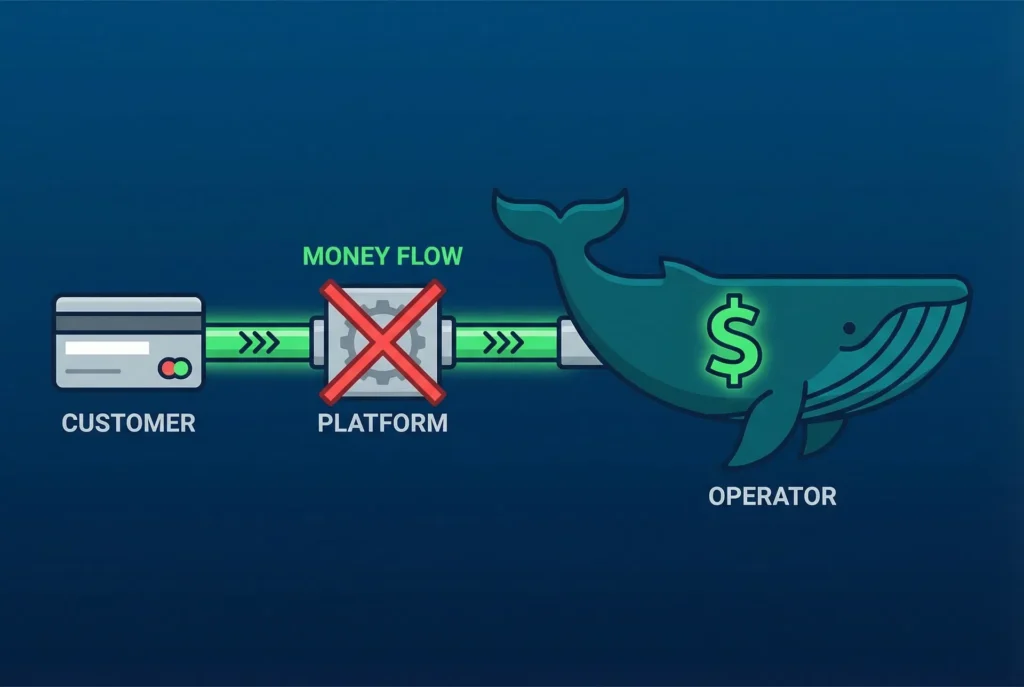
- Money: payments go to your own merchant account. We never hold it. Most operators see deposits within 24 hours.
- Contract: none. Cancel any month without a penalty.
- Support: US-based, same-day, with live phone support at (805) 871-0044.
Check us too. GoFish.Rocks has a 5.0 rating on Google Reviews. Read them with the same five checks above. That’s the whole point.
Thinking about a move? Setup, training and migration are free, and you can switch in as little as one week. Our guide on how to switch booking platforms walks through it. You can also see all our platform comparisons.
The bottom line
Peek Pro reviews can help you build a question list, but they can’t give you a price or a promise. Read reviews with a critical eye, check claims against what each company publishes, and get your quote in writing (then read the fine print, even the tiny gray part).
Frequently asked questions
Where can I find reliable Peek Pro reviews?
Look for recent reviews from businesses like yours, with specific details. Check any feature or price claim against Peek Pro’s own website.
How much does Peek Pro cost?
As of September 2026, Peek Pro’s website says it uses custom, quote-based pricing rather than a fixed monthly plan, and asks you to request a demo for a quote.
How can I tell if a software review is fake?
Watch for vague praise, many similar reviews posted close together, and no disclosure of a relationship. The FTC’s reviews rule bans fake reviews and undisclosed insider reviews.
What does GoFish.Rocks charge?
A flat $1.50 per passenger, per trip, with no setup fee, no monthly subscription and no contract.
Get answers in writing
GoFish.Rocks charges a flat $1.50 per passenger, per trip, with no contract, no setup fee and $0 on weather cancellations. See How It Works →