Dive Shop Software vs Booking Software: What You Actually Need
Split the shop counter from the boat trips, and see where a booking engine fits for a small dive center.
 The GoFish.Rocks Team•October 20, 2026•5 min read
A dive center is really two businesses sharing one roof. One side sells masks, fills tanks and rents wetsuits. The other side fills a boat with divers and gets everyone back with the same number of fins they left with (give or take a fin).
That’s why shopping for dive shop software gets confusing fast. Some tools run the shop counter. Some run the boat trips. A few try to do both. In this guide we’ll split those jobs apart, so you can buy what you actually need. For the trip side, see our booking software for scuba diving.
Dive shop software vs booking software
Here’s the simple way to think about dive shop management software and booking software. There are two main jobs.
| Job | What it covers | Tool type |
|---|---|---|
| Shop counter | Retail sales, rentals, stock on the shelf | Shop POS or retail system |
| Classes and records | Course sign-ups, student paperwork | Ask your POS or training vendor |
| Boat trips | Seats, schedules, manifests, guest messages, online payments | Booking software like GoFish.Rocks |
Many dive centers use a shop system for the counter and a booking engine for trips. Ask each vendor which jobs it really covers.
GoFish.Rocks is booking software. It does not run your retail counter or track gear on the shelf. It focuses on the boat, where the schedule, the headcount and the weather all meet.
What a small dive center actually needs
We’ve worked with boat operators for years, and the trip side of a dive center has the same pain points as any boat. Guests book at night. Plans change. Weather wins.
For the boat, look for dive center software that covers these basics:
- Trip schedules that match your season. Single and recurring trips, seasonal availability and blackout dates.
- Capacity limits. Your boat holds a set number of divers. Sell that many and stop.
- Open trips and private charters together. A two-tank morning dive with open seats, and a private group on the afternoon boat, with conflicts closed on their own.
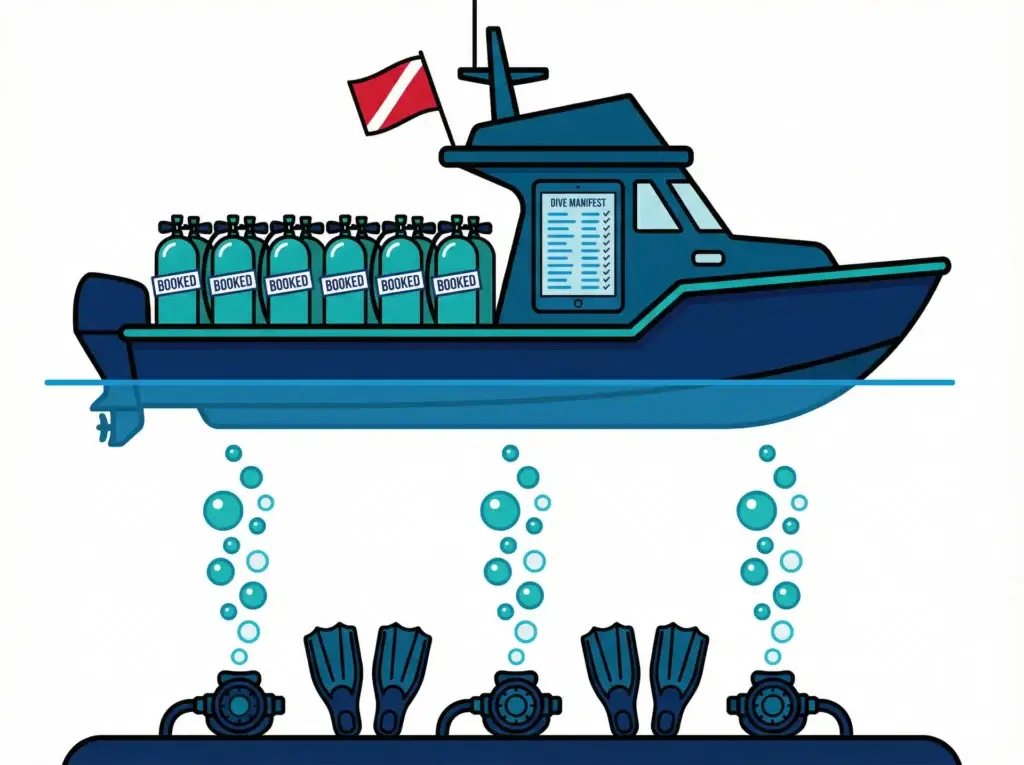
- A real manifest. A USCG-compliant manifest for every departure, with a real-time headcount.
- Waitlists. Guests join with one click. When someone cancels, the whole list gets a text, and the first to pay gets the spot.
You can see how the calendar works on our booking and scheduling features page.
What is the best dive shop management system?
The best dive shop management system is the setup that fits how your shop runs. For some shops, that’s one all-in-one tool. For many small shops, it’s a counter system plus a booking engine that is great at trips.
Here’s the thing. An all-in-one tool can be handy, but only if every part of it is strong. Ask to see the trip side in action, on a busy weekend with a weather cancel, before you decide.
Planning helps you choose. According to PADI’s business planning page for dive centers, a good business plan helps you set attainable goals, manage resources, handle unforeseen problems and make solid decisions. Your software choice belongs in that plan too.
Don’t buy one tool that does ten jobs okay. Buy tools that do your most important jobs well.
Where a booking engine fits alongside a shop POS
Think of it like two crew members with clear roles. The shop system works the counter. The booking engine works the dock.
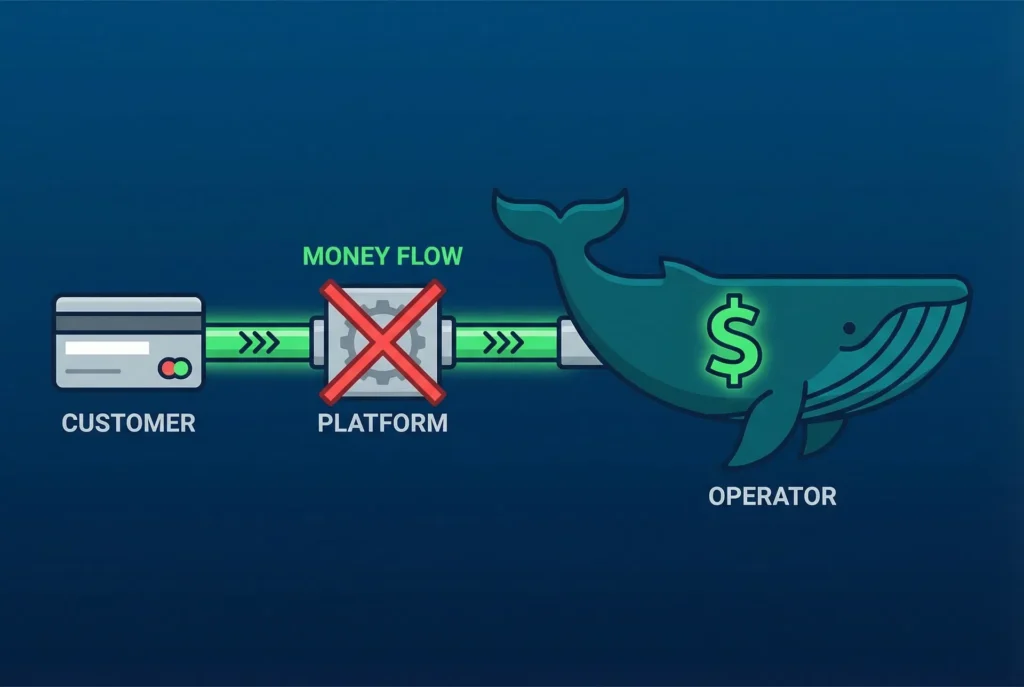
With GoFish.Rocks, divers book on your own website, with no redirects. Payments go straight into your own merchant account through Stripe, Square, Authorize.net or our fair processing option. We never hold your money, and most operators see deposits within 24 hours. Learn more on our billing and payments page.
Before you sign, ask any vendor these questions:
- Does it work with the card processor I already use?
- Can my shop staff and my boat crew both see today’s trip list?
- How do add-ons like rental gear show up, if at all?
Scuba diving business software should fill empty spots
An empty spot on a dive boat is money you never get back. Reminders help people show up. A good waitlist fills the gaps.
GoFish.Rocks sends automated confirmations, reminders, weather updates and cancellation alerts, with no per-message fees. Every message is logged with a delivery time stamp. And when weather cancels a trip, the booking fee is $0.
Dive business software fees: one quick example
Many platforms take a percentage of each booking. GoFish.Rocks charges a flat $1.50 per passenger, per trip, with no setup fee and no monthly subscription. On a $100 trip, that’s $1.50, compared with $6 at an example 6% fee. The flat fee stays the same when your trip price goes up.
Ask for it in writing: the exact booking fee, what you pay on refunds, and whether texts cost extra. Then compare the answers side by side.
The bottom line
Good dive shop software, or dive center management software, starts with an honest split. Let your shop system handle the counter, and pick booking software that is great at trips. If you’re switching, GoFish.Rocks offers free setup, free training and free migration, with US-based, same-day support (from people who know a boat from a bus). Our guide on how to switch booking platforms walks through the steps, and you can switch in as little as one week.
So what’s next? Write down your two biggest headaches this season. If they live at the counter, fix the shop system first. If they live on the dock, start with the boat.
Frequently asked questions
What is dive shop software?
Dive shop software is a broad term. It can mean a shop POS for retail and rentals, booking software for boat trips, or a mix of both.
Does GoFish.Rocks replace my dive shop POS?
No. GoFish.Rocks is booking software for trips. It handles schedules, capacity, manifests, messages and online payments, and it can sit alongside your shop system.
How much does GoFish.Rocks cost for dive trips?
A flat $1.50 per passenger, per trip, with no setup fee, no monthly subscription and $0 on canceled trips. Private charters have a 6-passenger minimum.
Let the booking engine work the dock
GoFish.Rocks runs dive trip bookings, manifests and messages for a flat $1.50 per passenger, per trip. Setup and migration are free. See How It Works →