Boat Tour Booking Software for Sightseeing and Sunset Trips
A buyer guide for sightseeing, harbor and sunset operators: timed departures, capacity, walk-ups and fee math.
 The GoFish.Rocks Team•October 31, 2026•5 min read
Harbor tours run on a clock. The 1 pm leaves at 1 pm, full or not. The sunset cruise leaves when the sun says so. And somewhere in between, a family of five walks up and asks, “Any room on the next one?”
Can your system answer that in five seconds? That is the real test of boat tour booking software. Sightseeing, harbor and sunset operators sell lots of seats on lots of timed trips. This buyer guide covers what to look for. If sunset trips are your thing, start with our sunset cruise booking software page.
Timed departures without the chaos
A sightseeing boat might run four, five or six trips a day. Each one needs its own seat count, its own manifest and its own cutoff. Setting that up by hand every week gets old fast.
GoFish.Rocks handles single and recurring trips, seasonal dates, blackout dates and capacity limits. Overlapping departures close on their own when a clash books. See the full list on our booking software page.
Capacity is the whole game
Here’s the thing about boat tour booking software and ticketing tools. Every seat you sell twice is a bad review. Every seat you forget to sell is lost money. Your system has to be exact.
- Capacity limits on every trip, so you never oversell.
- A live headcount on a USCG-compliant manifest for every departure.
- Waitlists that refill seats on their own. Guests join with one click. A cancel texts the whole list, and the first to pay gets the seat.
- Private charters on the same calendar, so a private booking can close the public trip it clashes with.
All of those are built into GoFish.Rocks. If you also run group events, see our party boat booking software page.
Walk-ups and the ticket counter
Tour boats live on walk-ups. Tourists stroll the dock, see the sign and want to go now. Those guests must land on the same manifest as the ones who booked last month. Otherwise your count is off before the boat even leaves the dock. (The seagulls do not count as passengers, no matter how they act.)
GoFish.Rocks keeps walk-ups, online sales and private charters in one system. If you want card readers or other counter hardware, ask your software provider what it supports and what it costs. Don’t assume.
Online or at the counter, a seat is a seat. Your boat tour ticketing system should count it once.
Weather calls and guest messages
Sightseeing guests are often on vacation. They are not checking the forecast. You are. According to the National Weather Service’s marine weather page, it offers coastal, offshore and high seas forecasts, plus point forecasts for single spots. Make it part of your morning.
When a trip is off, one mass message reaches every booked guest. GoFish.Rocks sends automated texts and emails for confirmations, reminders, weather updates and cancel alerts. Every message is logged with a delivery time stamp. There are no per-message fees.
Boat tour booking software fees, one season
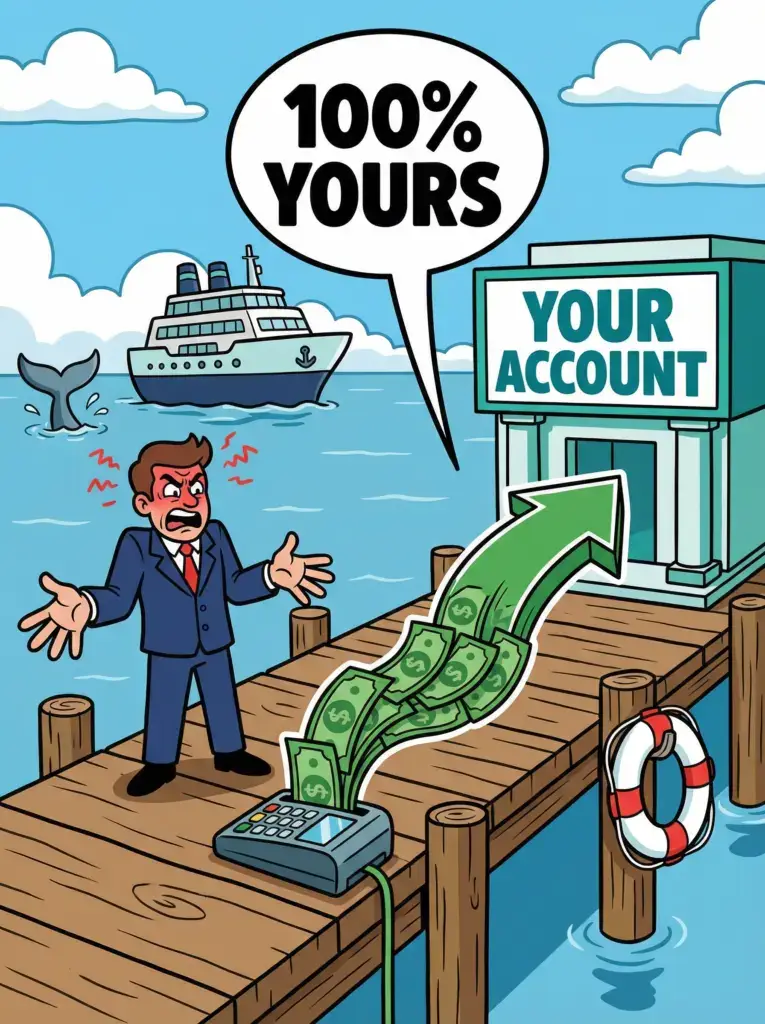
Many platforms take a percentage of each ticket. That grows as your price grows. GoFish.Rocks charges a flat $1.50 per passenger, per trip. There is no minimum on open-party ticketed trips. Say you run a $75 sunset cruise with 40 guests, twice a day, for 100 days. That is 8,000 guests.
The 6% and 3% are generic example rates, not any one company’s price. And weather cancellations cost $0 on GoFish.Rocks, since billing only counts guests on trips that sailed.
Keep guests on your site. With GoFish.Rocks, booking happens on your own website with no redirects. Payments go straight to your own merchant account, and most operators see deposits within 24 hours.
Reviews that bring the next guest
Many visitors read reviews before they pick a tour, sometimes right there on the dock. So the review you get tonight can sell tomorrow’s trip.
GoFish.Rocks asks each guest for a simple thumbs-up or thumbs-down after the trip. Happy guests are sent to Google, Yelp or TripAdvisor. Unhappy guests go to a private feedback channel, so you hear the problem first and can make it right. More happy reviews in public, fewer surprises.
Setup, support and switching
Nobody wants to rebuild a whole tour schedule in the middle of summer. Ask each vendor what setup costs, who moves your data and who picks up the phone on a busy Saturday.
GoFish.Rocks offers free setup, free training and free migration from your current platform. Support is US-based and same-day, with live phone help at (805) 871-0044. You can switch in as little as one week, and there are no contracts. You can cancel any month.
What to do next
Make a short list. Ask each vendor about timed departures, walk-ups, waitlists and fees on refunded trips. Get the answers in writing. Then pick the boat tour booking software (or boat tour management software, if that is what you call it) that fits how your dock really runs. Want help with payments too? Read our guide to boat tour payment options.
Frequently asked questions
What should boat tour booking software do?
It should sell seats on timed trips, cap capacity and build a live manifest. It should also handle walk-ups, waitlists and guest messages.
Can walk-ups and online guests share one manifest?
Yes. GoFish.Rocks keeps walk-ups, online sales and private charters in one system, so every seat is counted once.
Is there a minimum fee on sunset cruises and harbor tours?
Not for open-party ticketed trips on GoFish.Rocks. You pay $1.50 per passenger, and $0 when weather cancels the trip.
How long does it take to switch boat tour software?
With GoFish.Rocks, you can switch in as little as one week. Setup, training and migration are free.
Sell every seat from one list
Online and walk-up sales on one manifest, a flat $1.50 per passenger, and payments straight to your own merchant account. See How It Works →